Web UI Gallery
The Extenote web interface provides a visual way to browse, search, and manage your content. Start the web server with:
extenote web
Then open http://localhost:3000 in your browser.
Dashboard
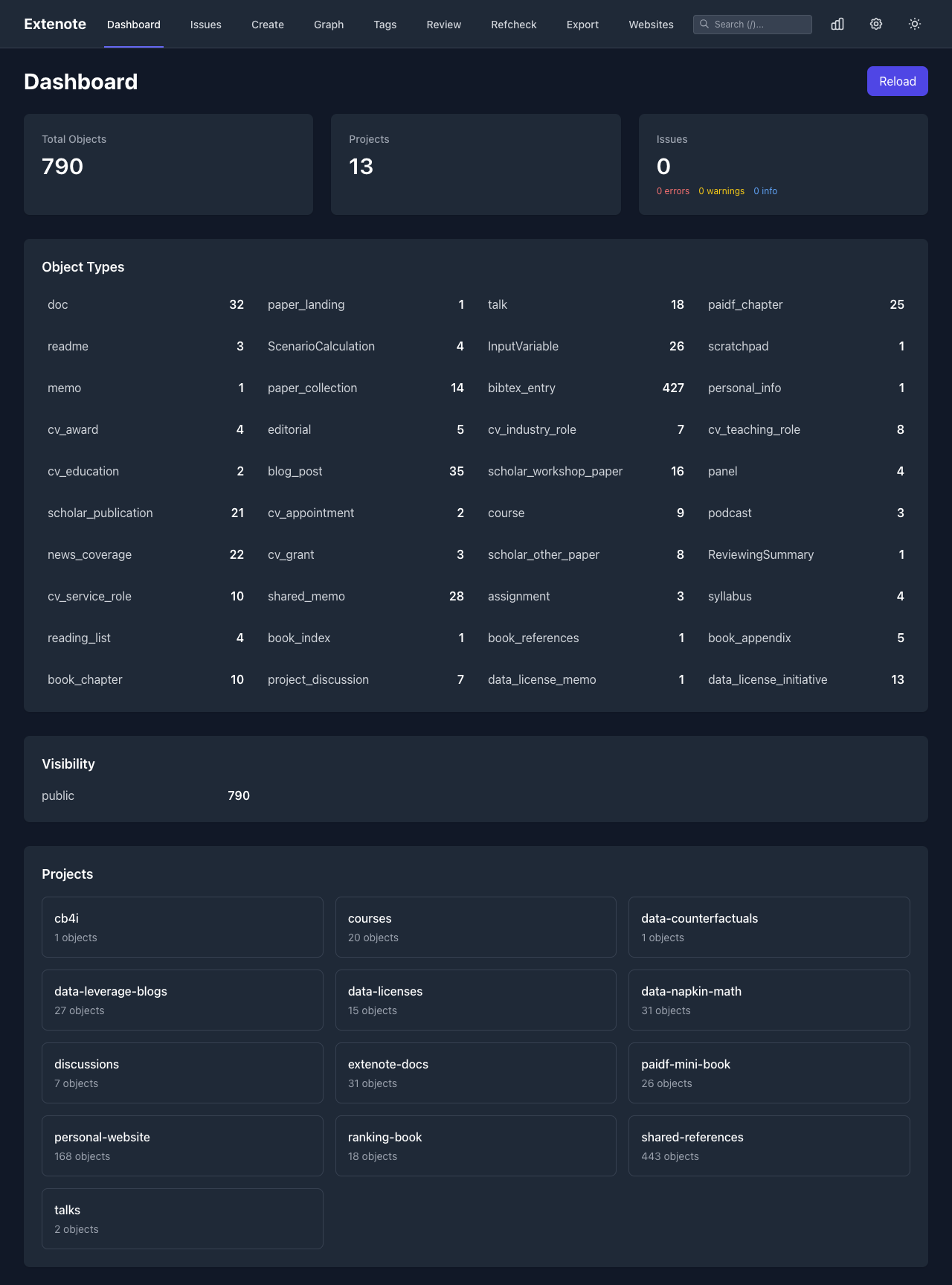
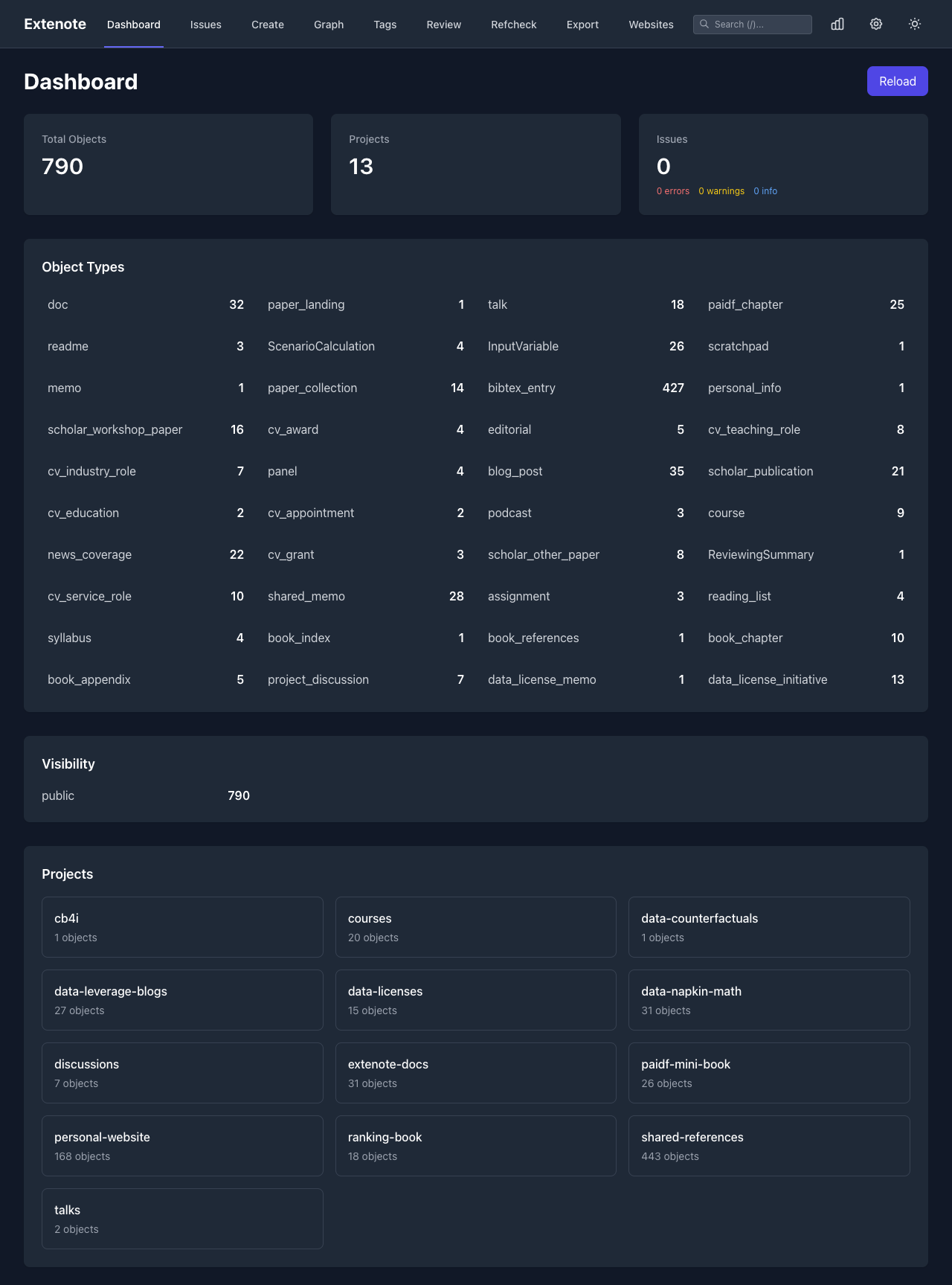
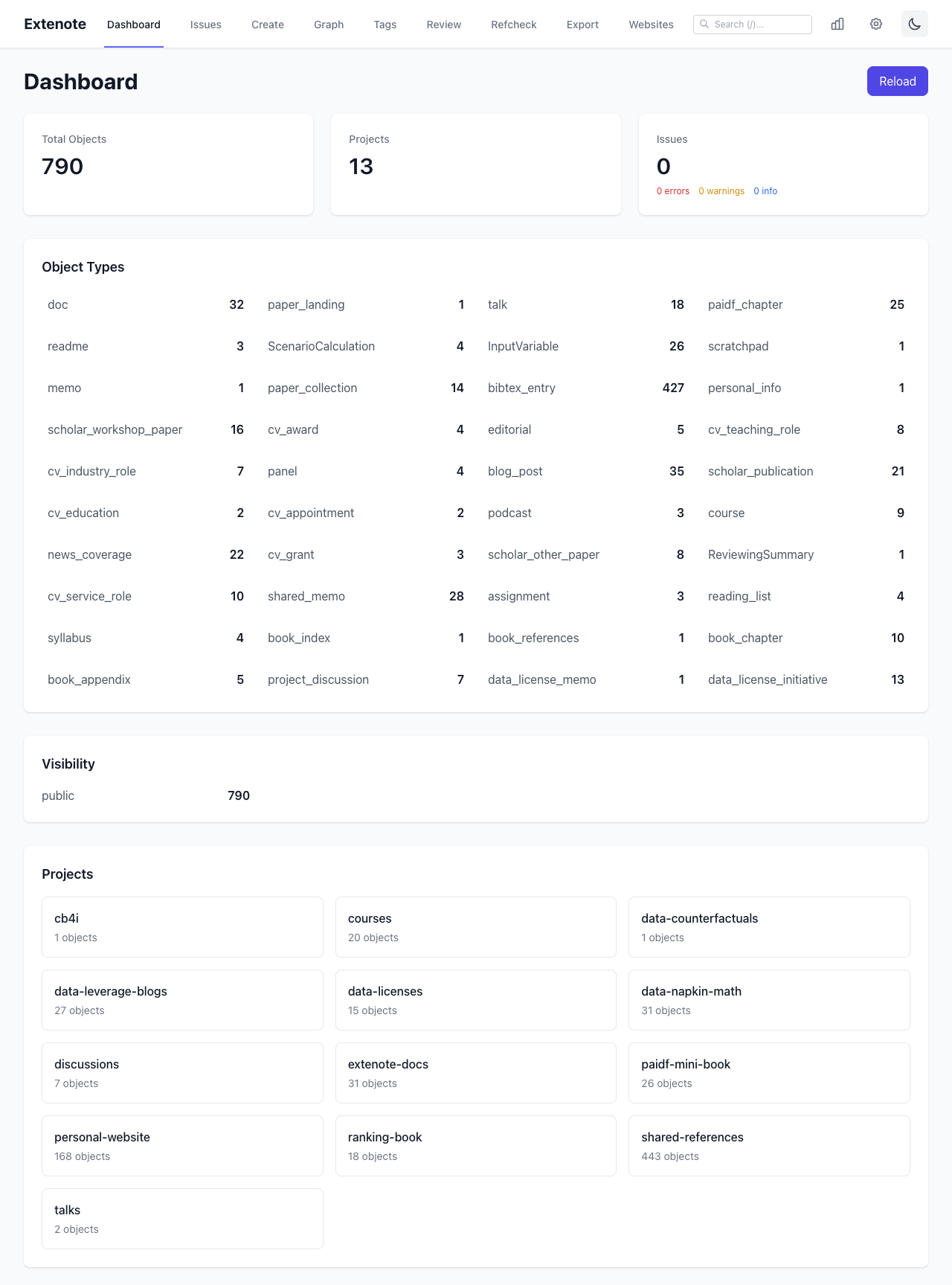
The dashboard shows an overview of your vault: total objects, types, tags, and any issues that need attention.
Search
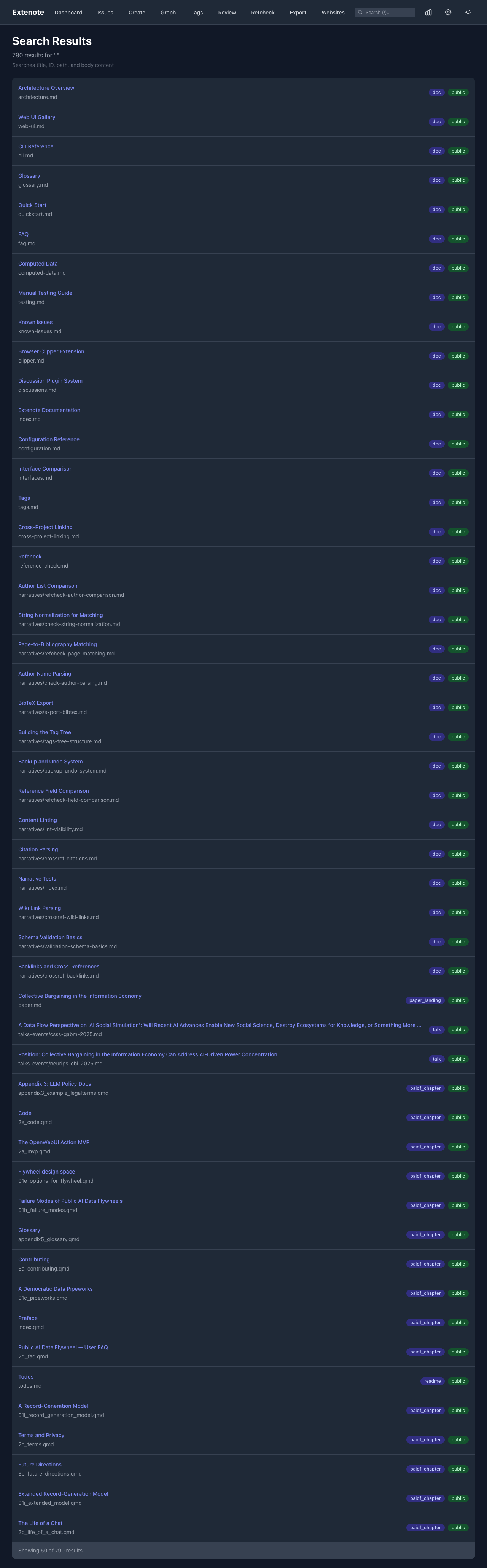
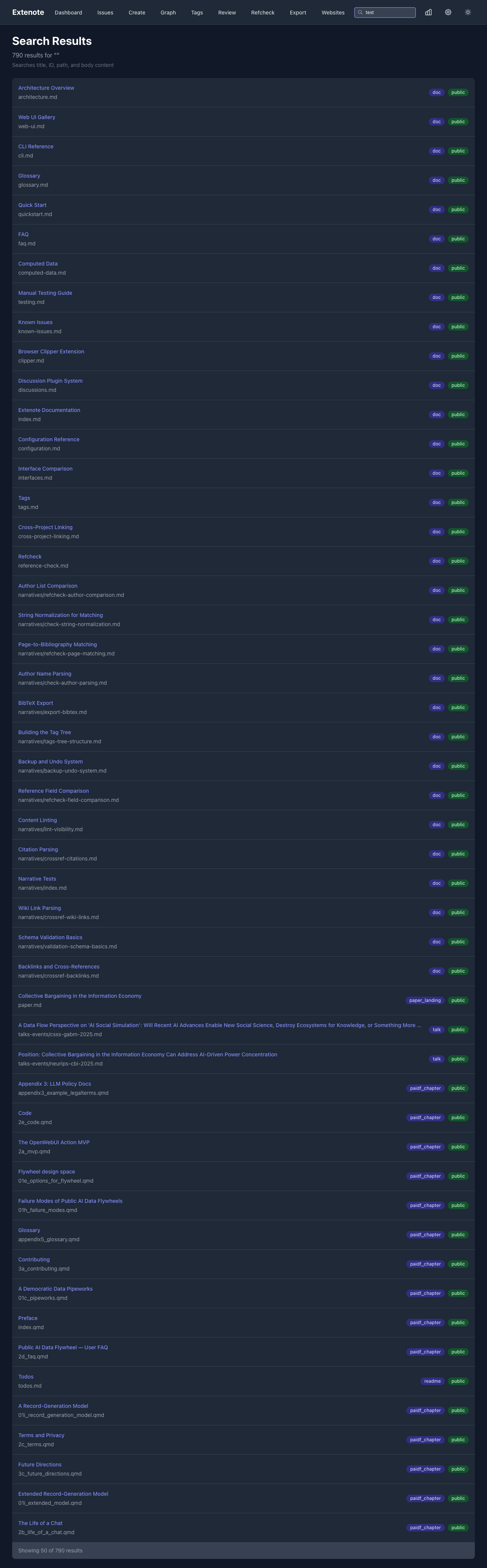
Full-text search across all your content. Results update as you type.
Graph View
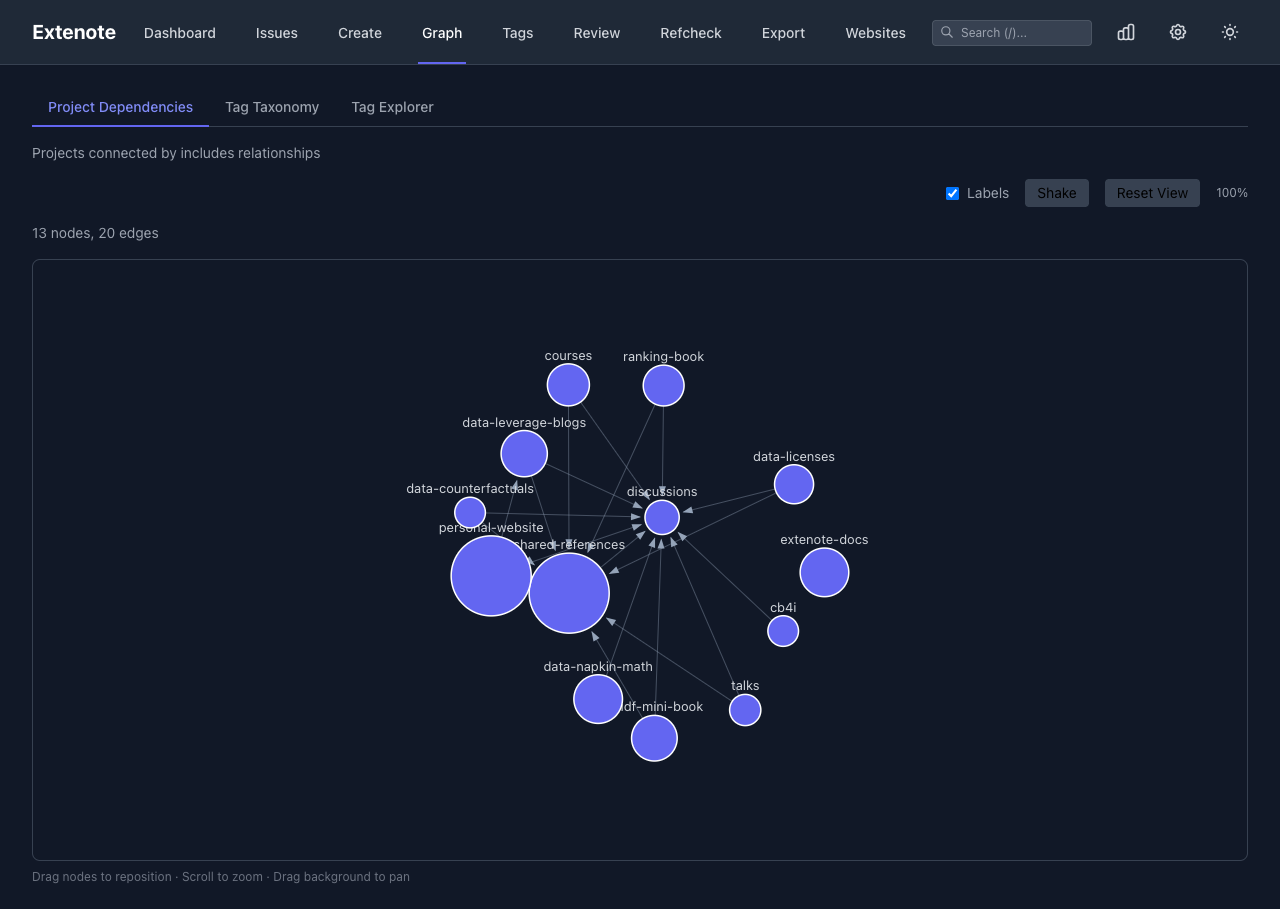
Visualize connections between objects through citations, wiki links, and backlinks.
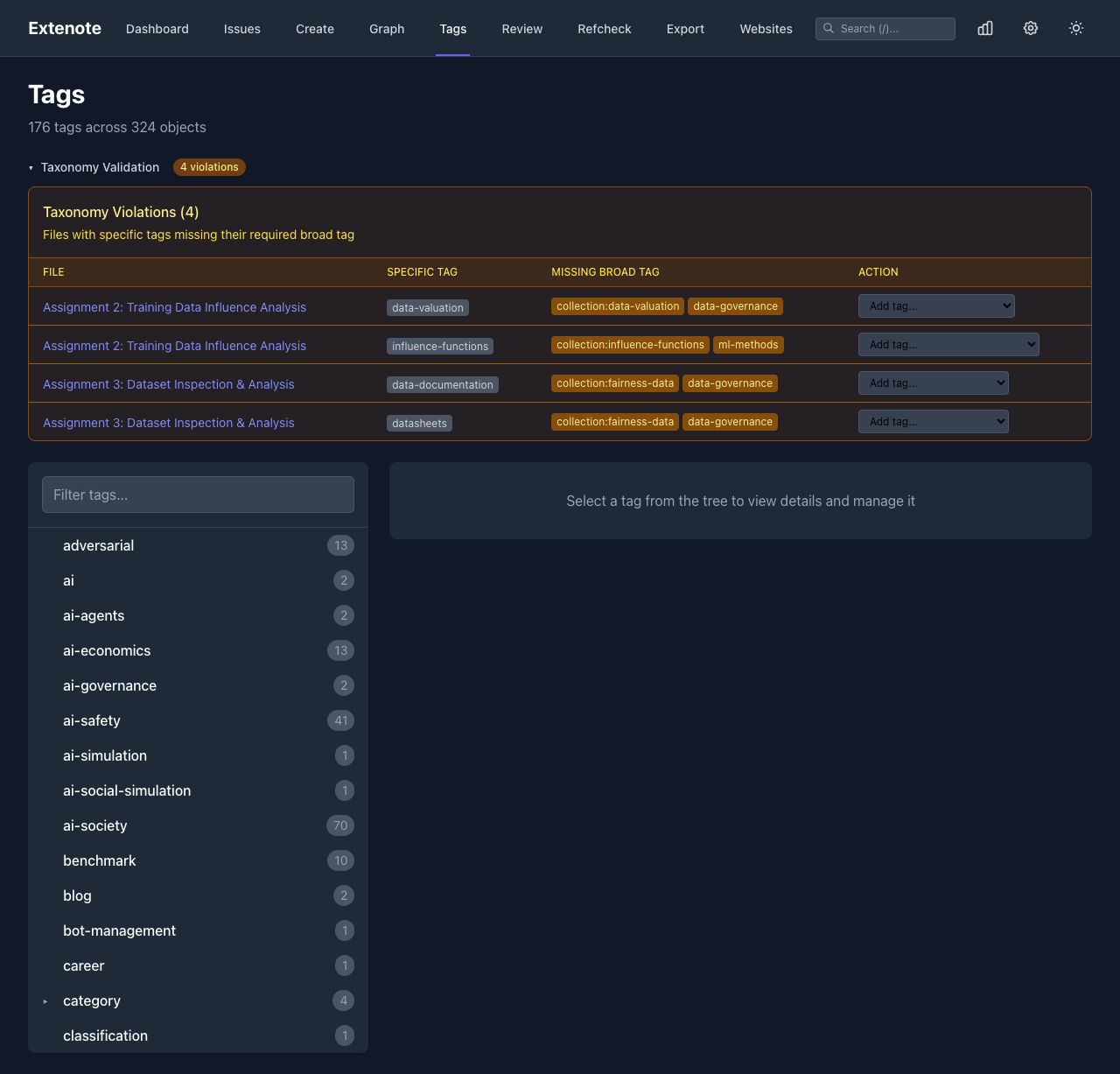
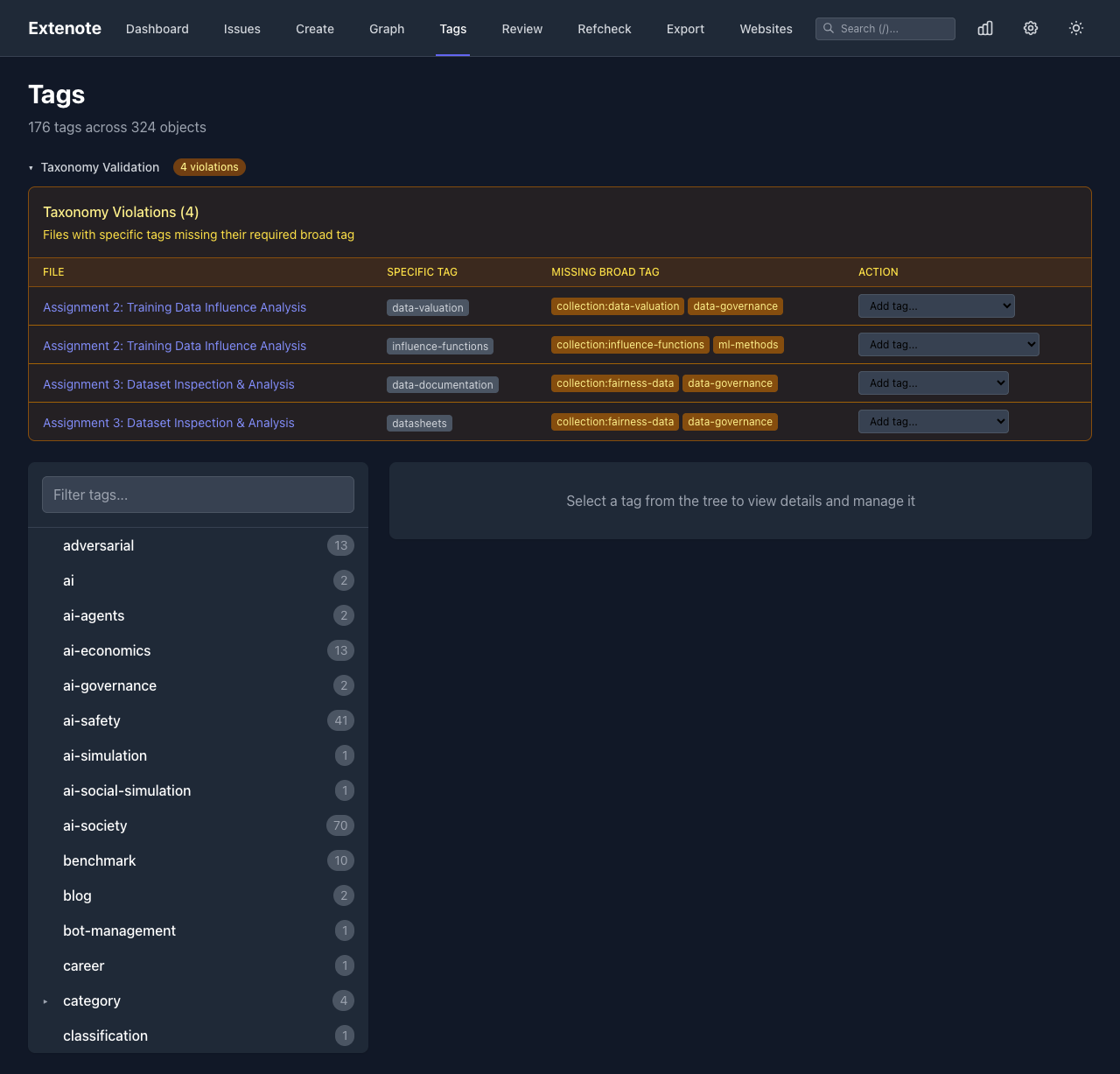
Tags
Browse your tag hierarchy. Tags with : separators create nested structures (e.g., topic:ai appears under topic).
Issues
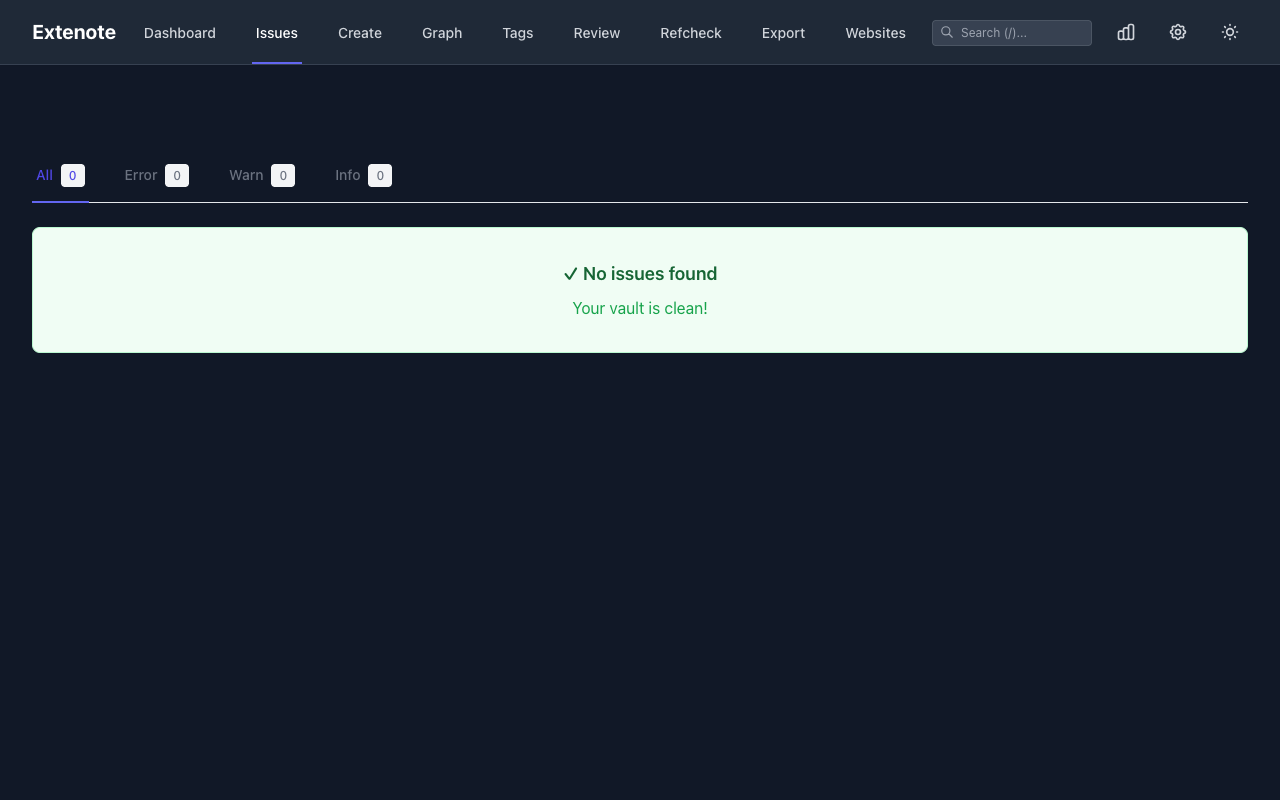
View validation issues, missing references, and other problems. Filter by severity level.
Export
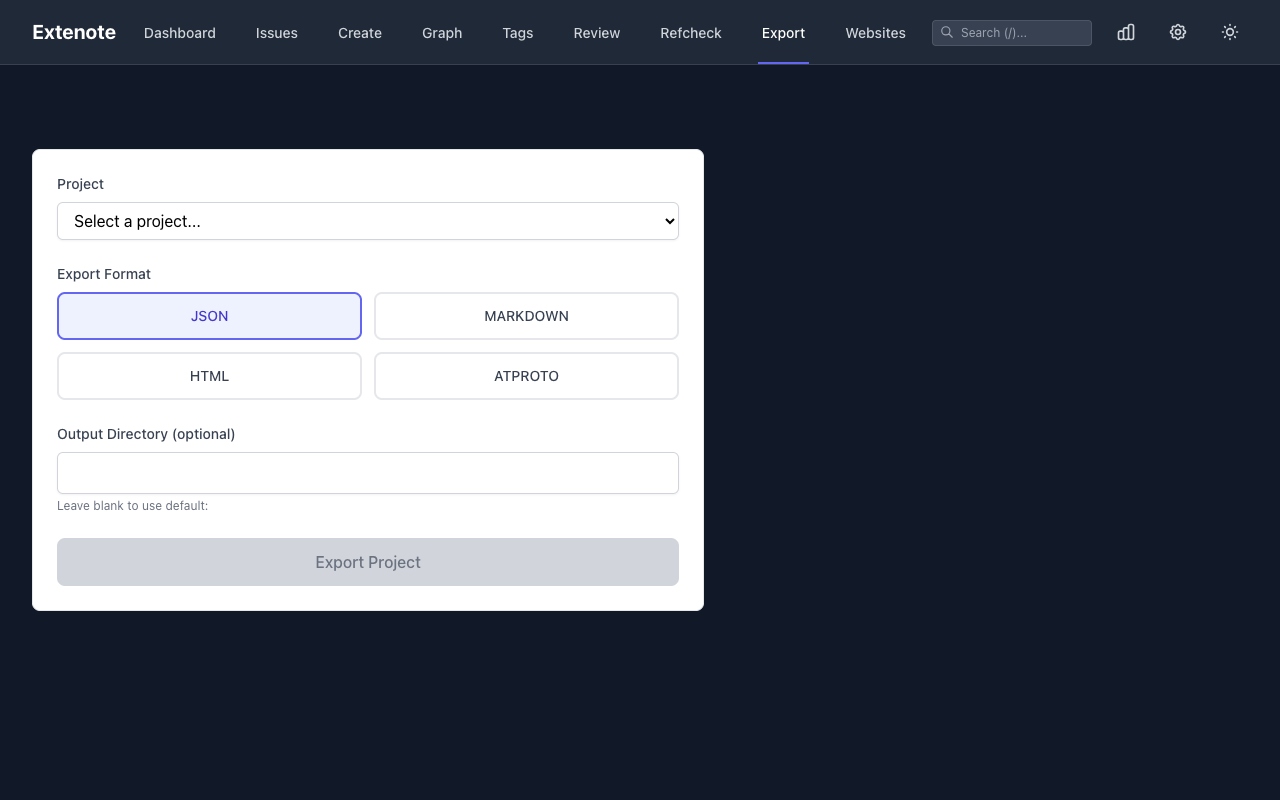
Export your content to various formats: JSON, Markdown, BibTeX, or plain text. Filter by project, type, or tags.
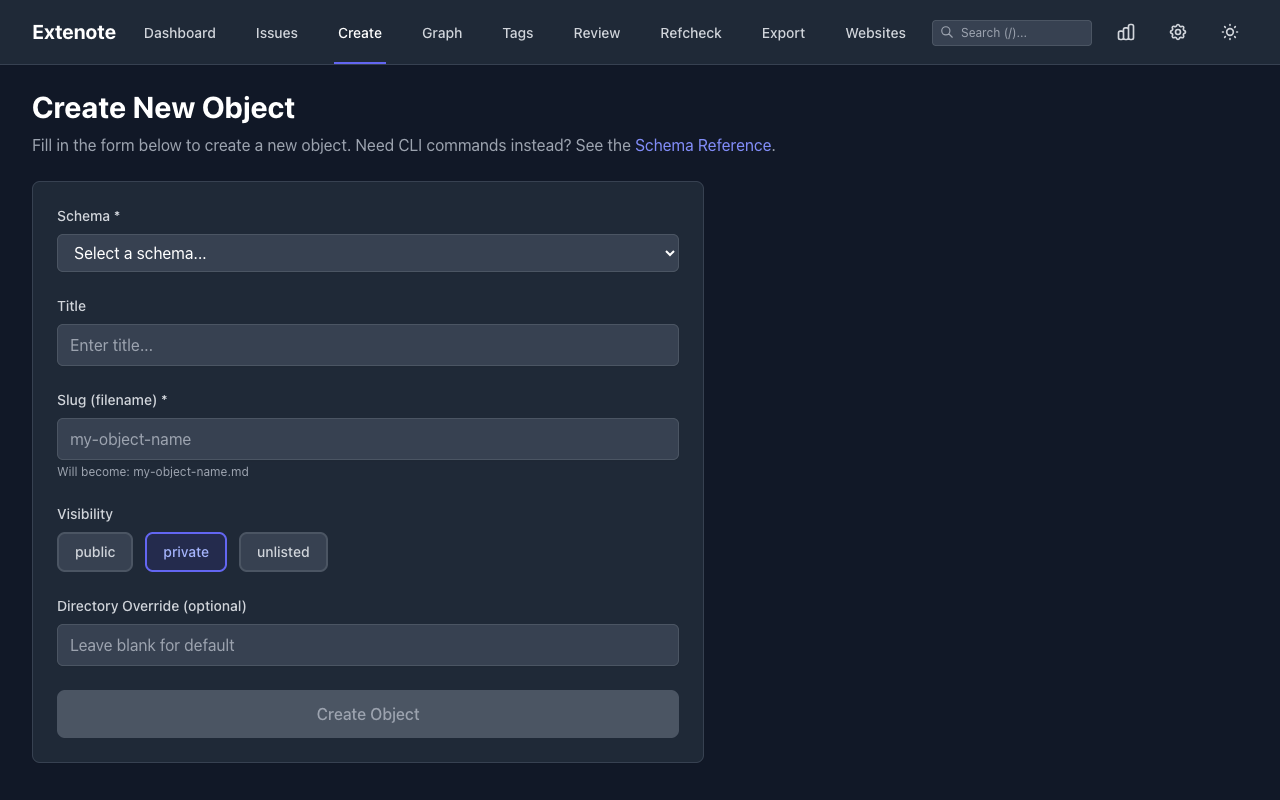
Create Form
Create new objects with schema-validated forms. The form fields adapt based on the selected type.
Schema Reference
Browse your project’s schemas to understand available types and their fields.

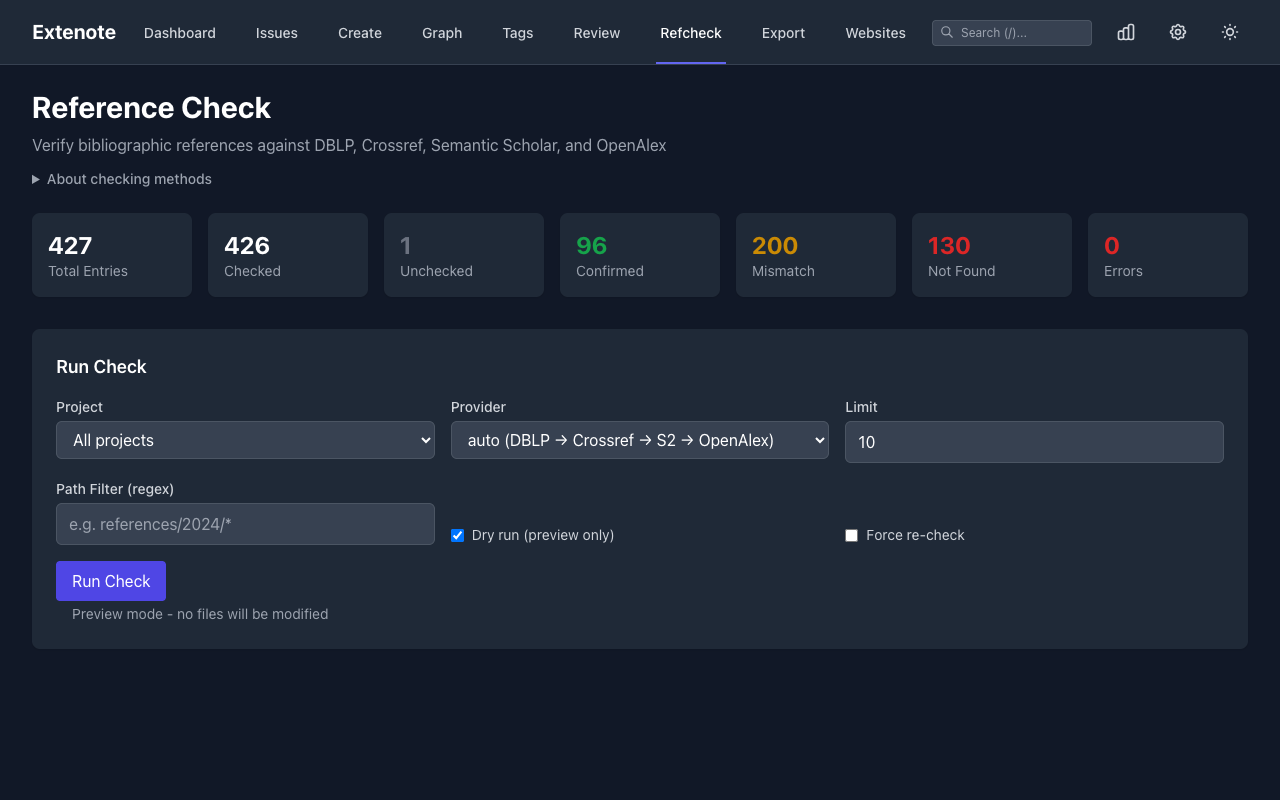
Refcheck
Verify bibliographic references against external databases like DBLP and OpenAlex.
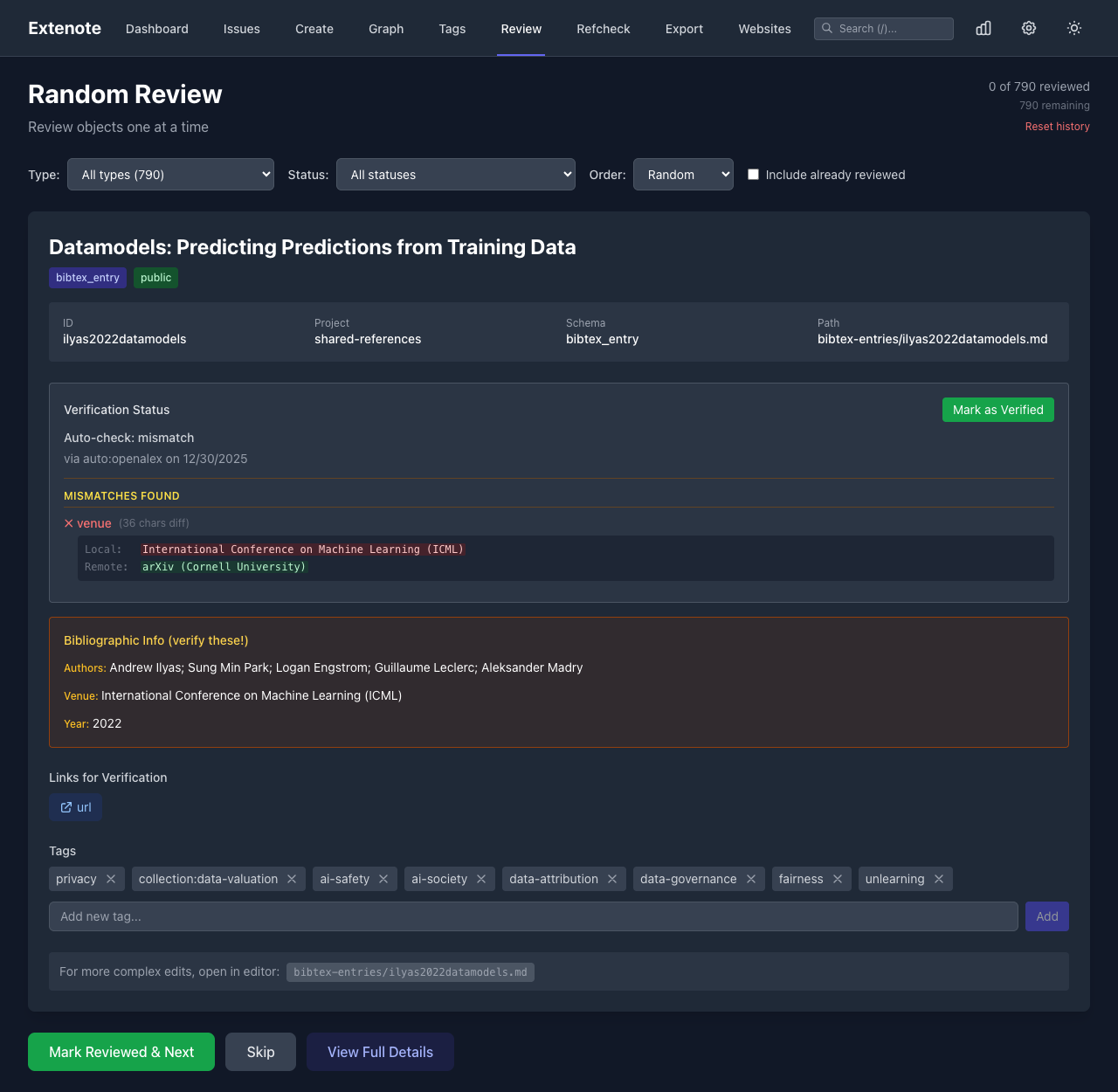
Review Queue
Review and approve content before publishing.
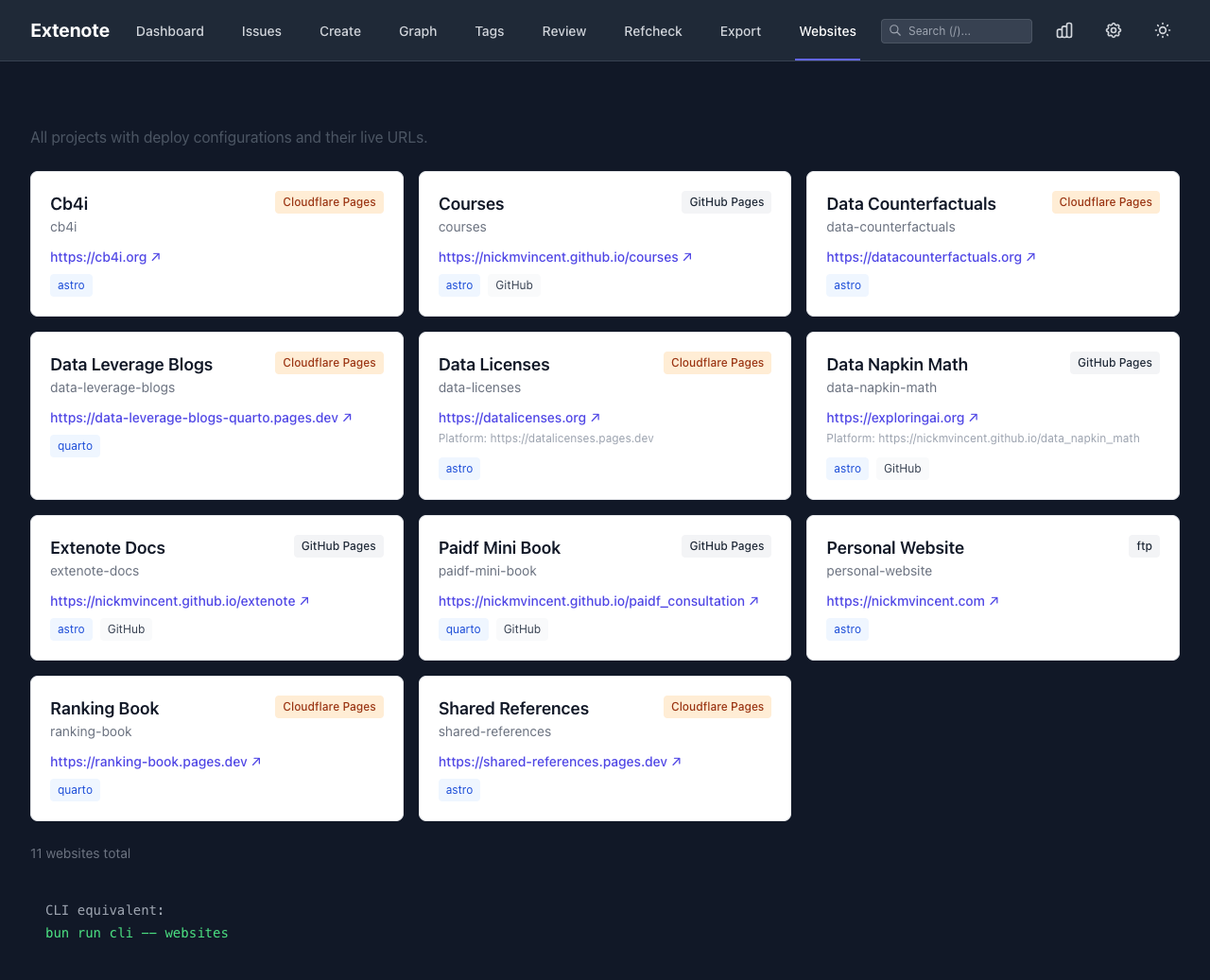
Websites
View configured websites and their deployment status.
Dark Mode
Toggle between light and dark themes using the button in the header.
Responsive Design
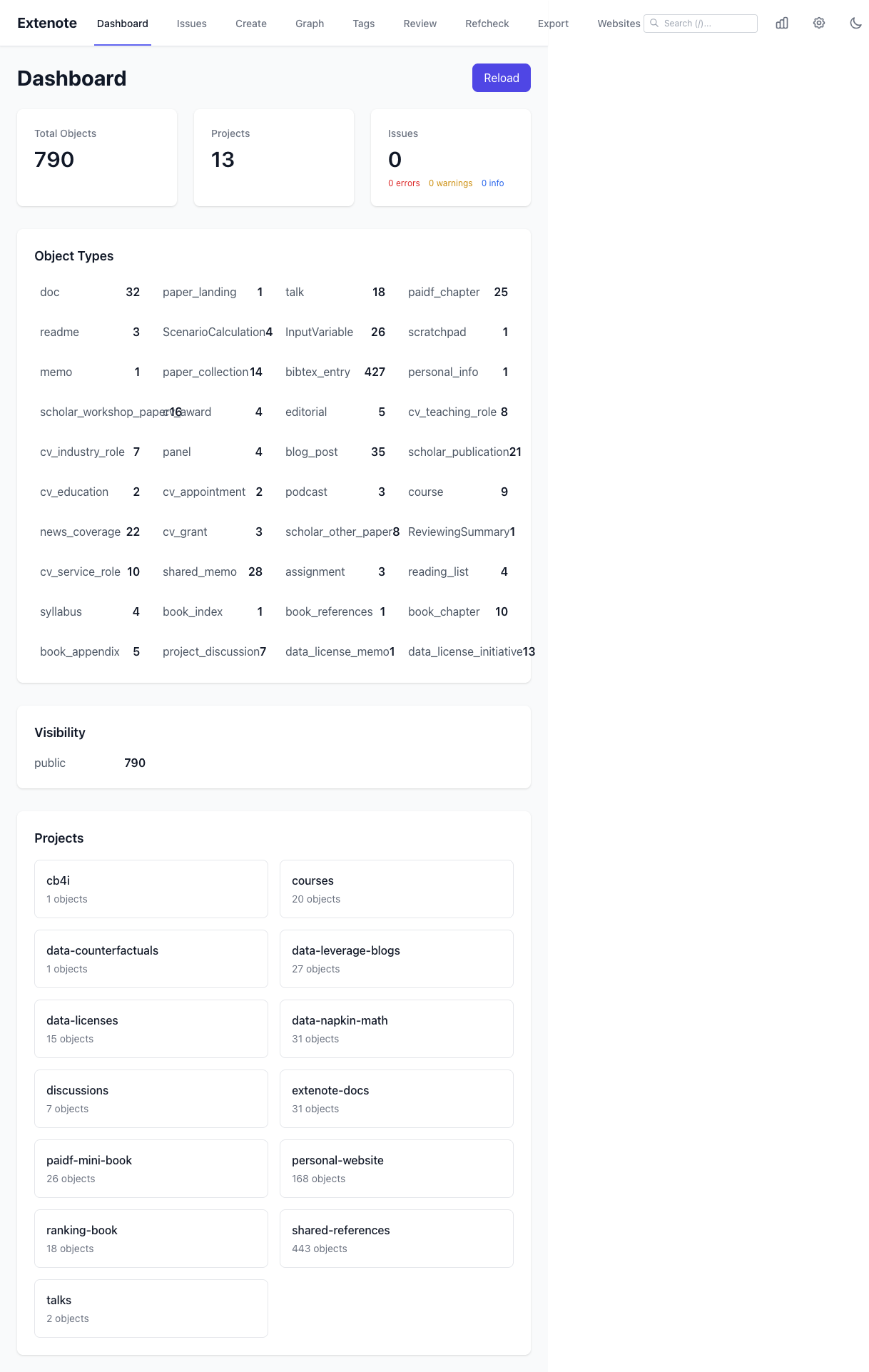
The interface adapts to different screen sizes.
Tablet view:
Mobile view:
